
Blog
SEO in English-speaking markets
Language versions, local domains and working with native speakers without ruining it through machine translation.
- 14 September 2026
- 16 min read
Articles
SEO in English-speaking markets
Conversations about entering English-speaking markets usually start the same way: “We already have an English version, but it brings in neither traffic nor leads.” We open the site and see a familiar picture: unproofread machine translation, prices in the home currency, a phone number without a country code, and half the pages still in the original language. Search engines can’t tell which version to show to whom. Sometimes this “version” even drags the main site down: duplicates appear, canonical tags get tangled, and visibility in the home market drops.
At WebTerra we’ve launched and rebuilt language versions many times for online stores, manufacturers, and service companies selling to the US, the UK, Canada, Australia, and Ireland. Below is our working approach: local domains vs subfolders, correct hreflang, why translation and localization are two different budgets, working with native speakers, and how to make sure the new version helps the business instead of hurting what already works.
The English-speaking market is not one market
The first mistake is made at the idea stage: “Let’s build an English version and it will work for the whole world.” But American, British, and Australian buyers search differently. Vocabulary differs (apartment vs flat, sneakers vs trainers), and so do spelling (color vs colour, optimize vs optimise), currency, units of measurement, date formats, payment methods, and delivery expectations. The competitors in the results differ too: the same query on Google.com and Google.co.uk will show you different sites.
So before translating anything, we answer three questions together with the client:
- Where is there real demand or sales? We look at order statistics, Search Console reports by country, and the inquiries already coming in from international customers.
- Does the offer differ between countries? If prices, shipping, and the product range are the same, one English version is often enough. If they differ, you need separate regional versions.
- Who will maintain it? Each version means ongoing work: new products, promotions, a blog, customer replies. Three abandoned versions are worse than one living one.
In most of our projects we start with a single English version for all English-speaking countries, and add regional ones (for example, separate versions for the US and the UK) once analytics shows stable demand and real differences in sales conditions. We covered the specifics of the American market in detail in “SEO for the US market”.
Domain, subdomain, or subfolder
Make this decision once: switching later means redirects, temporary ranking losses, and a lot of work. Here’s how we compare the options:
| Setup | Example | Pros | Cons |
|---|---|---|---|
| Local domain (ccTLD) | example.co.uk | Strongest country signal, trust from local users | A separate site from scratch: its own authority, links, maintenance, and domain costs |
| Subdomain | en.example.com | Can be hosted on a different server or platform | Authority from the main domain carries over less, analytics gets more complex |
| Subfolder | example.com/en/ | Inherits the main domain’s strength, one site to manage | Weaker country signal, requires a clean technical implementation |
| URL parameter | ?lang=en | Easy to build | Not recommended: indexes poorly and confuses search engines |
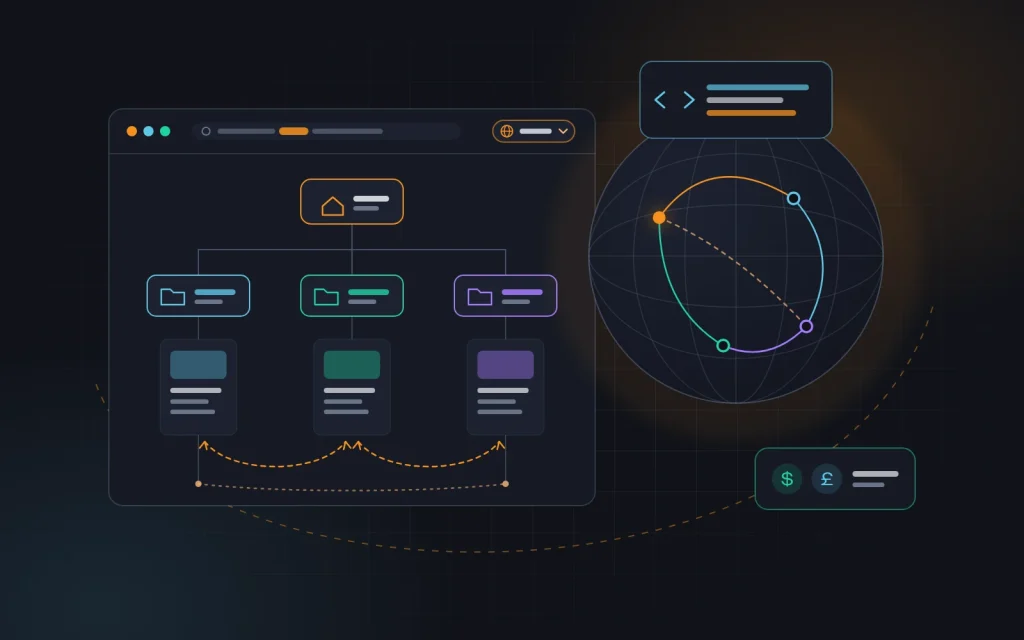
Our default choice is subfolders on the main domain: /en/ for a general English version and, when needed, /en-us/ and /en-gb/ for regional ones. The new section immediately inherits part of the trust the domain has built up over the years. For small and mid-sized businesses, this is the fastest and cheapest path to results.
A local domain makes sense when you have a legal entity or office in the country, a dedicated marketing team, and a budget to promote a separate site. Then .co.uk or .com.au genuinely builds trust. But buying ten local domains “for the future” and copying the same content onto them gives you ten weak sites instead of one strong one.
Hreflang: telling search engines what to show to whom
The hreflang attribute tells Google which language or regional version of a page to show a particular user. Without it, a British visitor may land on the American page with prices in dollars, and a user in your home market may get the English version instead of the one in their own language. It’s simple, yet we find errors in it in almost every multilingual audit.
Here’s a basic example for a page that has a Ukrainian version, a general English version, and a British one:
<link rel="alternate" hreflang="uk" href="https://example.com/poslugy/"><link rel="alternate" hreflang="en" href="https://example.com/en/services/"><link rel="alternate" hreflang="en-GB" href="https://example.com/en-gb/services/"><link rel="alternate" hreflang="x-default" href="https://example.com/en/services/">
The rules we always check:
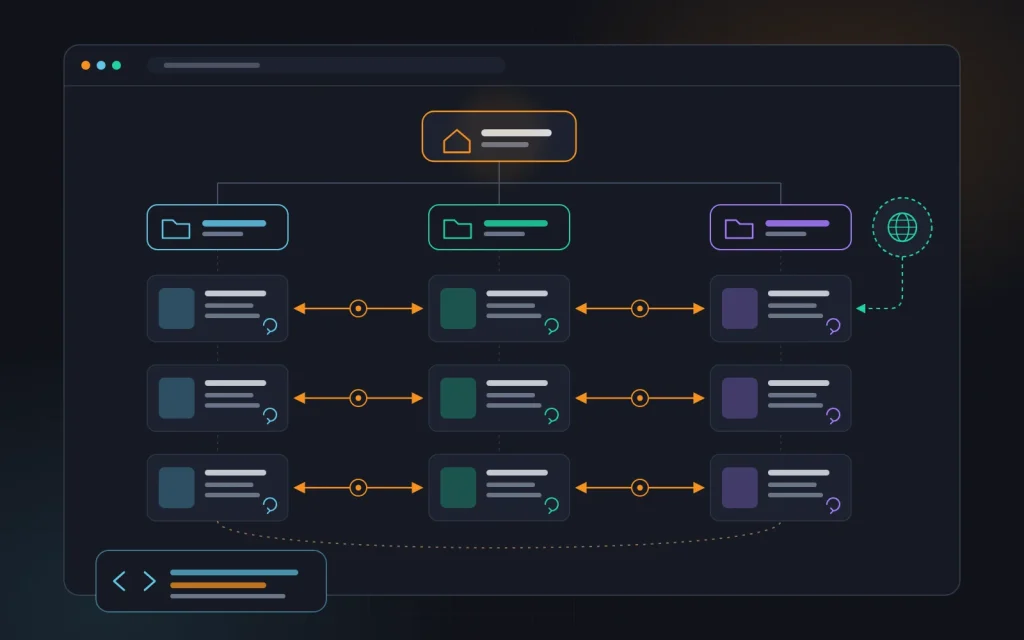
- Reciprocity. If page A links to page B, page B must link back to page A. Search engines ignore one-way connections.
- Self-reference. Every page in the set also lists its own URL.
- Correct codes. Language follows ISO 639-1, region follows ISO 3166-1. Britain is
en-GB, noten-UK. You can’t specify a region without a language. - Full absolute URLs with the protocol, returning a 200 status code rather than a redirect or a 404.
- Self-referencing canonical. An English page must not have a canonical tag pointing to the Ukrainian page — otherwise it drops out of the index and hreflang won’t help.
- x-default for users whose language doesn’t match any version. Usually that’s the general English version or a language selection page.
Hreflang can be placed in the page’s <head>, in the XML sitemap, or in HTTP headers (for PDFs and other files). On large sites, such as stores with thousands of products, we prefer the sitemap: it doesn’t bloat page code, and errors are easier to find and fix in one place. The key is to pick one method and not mix them.
After implementation, we always run a crawler such as Screaming Frog or Sitebulb: it flags missing return links, invalid codes, and hreflang pointing to redirected or noindexed pages. Repeat this after every major catalog or template change — hreflang breaks silently, and people usually notice only when traffic drops.
A separate note on Bing: it relies on hreflang less than Google does, so we also make sure the language is declared correctly with the lang attribute on the <html> tag. This matters for English-speaking markets, where Bing’s share is noticeably higher than in many other regions.
Translation and localization are different things
Translation answers the question “How do we say the same thing in another language?” Localization answers “How do we sell the same thing to a person with a different culture, habits, and expectations?” For SEO the difference is fundamental: search engines rank pages that answer local users’ queries in their own words, not a word-for-word rendering of your original text.
| What changes | Translation | Localization |
|---|---|---|
| Keywords | Translated from the original language | Researched from scratch based on real demand in the country |
| Prices and units | Home currency, kilograms, centimeters | Local currency, pounds and inches where that’s the norm |
| Examples and arguments | The same as for the home market | Meaningful to local buyers: standards, certifications, comparisons |
| Tone | As in the original | Fits the market: shorter, more specific, with a clear call to action |
| Legal pages | Translated | Adapted to local requirements for privacy, cookies, and returns |
The most important row in this table is the first one. Keywords aren’t translated — they’re researched again. A literal translation of your main keyword may have zero search volume, while people look for the same service using completely different words. The principles of keyword research are the same as for your home market — we described them in “Building a keyword map” — you just need to set the tools to the right country and language.
Now about machine translation. On its own, it isn’t a violation: Google evaluates whether content is helpful to people, not how it was produced. But Google’s policies explicitly treat mass-produced, unreviewed content with no value to readers as spam. And such text is obvious right away: unnatural phrasing, false friends, one product called by different names on different pages. Visitors leave, and trust in the brand suffers.
We use machine translation only as a draft: for volume and for first versions of long technical descriptions. But everything the customer sees — the homepage, categories, service pages, key product pages, button and form text — is edited by a person whose native language is English.
How we work with native speakers
“Finding a native speaker” is not the same as “finding a good writer for your site.” Someone can speak English beautifully yet know nothing about your niche or SEO. So we build the process so the outcome doesn’t depend on luck:
- We provide the keywords and structure. Before any writing starts, we gather queries for the country, group them, and prepare the page structure. The native speaker shouldn’t have to guess what people are searching for.
- A glossary of terms. Product names, services, specifications, and brand terms go into one table that every writer follows. That way the same product doesn’t end up with three different names across the site.
- A brief for every page: target queries, the page’s goal, the audience, mandatory facts, what must not be promised, and the call to action.
- The native speaker writes or edits, depending on the budget. Key pages are best written from scratch based on the brief. For large catalogs, machine translation plus careful editing works.
- A review by a subject expert. We check technical details with the client: a native speaker can phrase something smoothly that is actually wrong.
- A final SEO check: titles, meta descriptions, headings, internal links, image alt text, and text in templates and form messages.
A separate risk zone is the “small” interface text: buttons, filters, error messages, order confirmation emails, the 404 page. They’re easy to forget, and then a customer halfway through checkout sees a clumsy machine-translated phrase. We collect all interface strings into one file and send it for proofreading with the content. For more on preparing the copy itself, see “Writing content for your website”.
Local signals: why the site has to feel local
Even perfect copy won’t convince a British buyer if prices are in a foreign currency and delivery covers only your home country. Search engines also consider how closely a site is tied to a country. Here’s what we set up for each regional version:
- Currency and prices in the local currency, with taxes shown the way that’s customary in the country.
- Contact details: a phone number in international format, business hours with the time zone, convenient messaging apps such as WhatsApp, Viber, or Telegram, and a local address or office if you have one.
- Shipping and payment: delivery times, costs, familiar payment methods, and return terms.
- A Google Business Profile if you have a physical presence in the country.
- Reviews from customers in that region, both on the site and on independent platforms popular in the country.
- Links and mentions from local industry directories, media, associations, and partner sites.
- Formats for dates, addresses, phone numbers, units of measurement, and spelling that matches the variety of English.
- Legal pages: privacy policy, cookie policy, and return terms adapted to local requirements.

A note on links: home-market links help the domain as a whole, but for the English version the most valuable mentions come from the target countries — industry directories, reviews, partner pages, niche media. Bulk “thousand English links” packages are a quick route to problems, not trust.
And don’t forget speed. If your server is in Europe and your customer is in California or Sydney, every request travels halfway around the world. A CDN and proper caching are a necessity, because Core Web Vitals are measured on real users in their countries. We handle this as part of our website speed optimization service.
How not to break your main site
A new language version lives on the same domain, so its mistakes hit the main site too. These are the rules we follow on every launch:
- No automatic redirects based on IP address or browser language. Googlebot crawls mostly from US IP addresses, so a forced redirect can hide your other versions from it. Instead, use a visible language switcher and an unobtrusive hint like “Looks like you might prefer the English version.”
- The switcher leads to the matching page, not to the homepage of the other language. If a page has no translation, it leads to the nearest section.
- Untranslated pages stay out of the index. A page with an English menu and body text in another language is a duplicate and a poor experience. Either translate it or exclude it from the English version.
- One language, one URL. We never swap content at the same address based on cookies or geolocation.
- Test on a staging copy blocked from indexing, and remember to lift the block at launch — we’ve seen
noindex“migrate” to production more than once. - Separate sitemaps and reports for each version, so you can see it apart from the main site in Search Console and analytics.
- Launch in stages: first the homepage, key services or categories, and top products, then everything else. A hundred quality pages beat ten thousand raw ones.
We covered the technical side — templates, meta tags, internal linking between versions — in “On-page SEO basics”. For a multilingual site, the same rules simply need to be checked in every language separately.
A typical case
An equipment manufacturer whose site ranks well in its home market. At some point, an English version was set up on a subdomain using an automatic translation plugin. The result: thousands of indexed pages, canonicals pointing to the original-language pages, no hreflang, and almost no impressions for the English pages.
We move the English version into a /en/ subfolder with 301 redirects from the old subdomain, fix the canonical tags, and set up hreflang through the sitemap. We research keywords for English-speaking markets and find that demand is concentrated in about forty landing pages — a native speaker writes those from scratch based on our briefs. The rest of the catalog is machine-translated and then edited, while pages with no demand and no translation are excluded from indexing. Prices are shown in dollars, contacts include the international code, and there’s a shipping page written for international customers.
At first, the number of indexed pages goes down — and that’s good. Then impressions from English-speaking countries gradually grow, and the main site stops competing with its own duplicates. We don’t promise exact numbers — that depends on the niche — but this is the order of work.
Checklist for launching an English version
- Target countries and the setup are defined: one general version or regional ones.
- A URL structure is chosen (we recommend subfolders) and locked in for the long term.
- Separate keyword research is done for each country, rather than translating your existing keywords.
- There’s a glossary of terms and briefs for the key pages.
- Copy is written or edited by a native speaker, and the interface text is proofread too.
- Hreflang is set up with reciprocal links, self-references, and x-default.
- Every page’s canonical tag points to itself.
- There are no automatic redirects, and the language switcher leads to matching pages.
- Prices, contacts, shipping, and legal pages are adapted to the country.
- Untranslated pages aren’t indexed, and there are separate sitemaps and reports.
Frequently asked questions
Can one English version serve all countries?
Yes, and that’s usually where we recommend starting. A single version with the en code works if sales conditions are the same everywhere. We add regional versions when prices, shipping, or the product range start to differ, or when analytics shows strong demand from a specific country.
Will Google penalize machine translation?
Google evaluates how helpful content is, not how it was created. But mass, unreviewed translation often falls under the definition of low-value content, and it converts poorly. Machine translation as a draft plus editing by a native speaker is normal practice. Publishing it as is — isn’t.
Can the English pages be identical for the US and the UK?
If you create separate en-US and en-GB versions, they should differ at least in currency, contact details, shipping, and spelling. Search engines may fold nearly identical pages together. If there are no differences, it’s simpler to have one en version.
How long until a new version starts bringing in traffic?
Indexing and first impressions usually appear within a few weeks of launch. Steady traffic in competitive niches takes months of content, local links, and reviews. A subfolder on a strong domain gets off the ground faster than a brand-new domain.
The bottom line
A successful English version isn’t a translation of your site — it’s a separate product for a different market built on a shared technical foundation. The right URL structure, clean hreflang, keywords researched for a specific country, copy from native speakers, and local signals only work together. And discipline during launch protects your main site from duplicates and confusion.
If you’re planning to enter English-speaking markets, or you already have a version that isn’t delivering results, get in touch with us. We’ll run an audit, propose a structure, and take on the SEO services — from keyword research through launch and analytics.
Need advice?
Tell us about the task — we will advise what to do, even if you end up working with someone else.